
See http://peted.azurewebsites.net/hololens-3d-mapping/ for further details and usage.
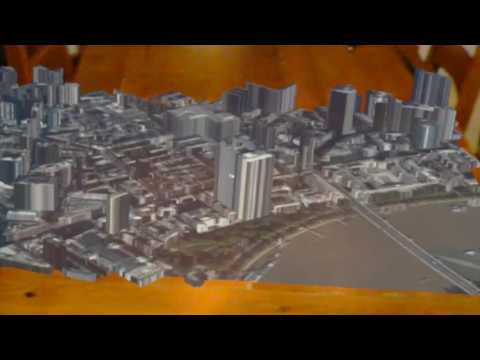

To use, add an empty GameObject into your scene and then add the ThreeDMapScript as a new component to that GameObject. The custom editor for this component provides inputs to allow you to define a bounding box in terms of latitude and longitude, and to specify the height of the building levels. These heights could also be sourced from other datasets for a more accurate representation.
Press the Generate Map button to call the REST API, retrieve the GeoJSON and satellite image, generate the meshes and apply the required material. Each building is currently represented by a separate mesh and is named from data in the GeoJSON.

To run the REST API either load the ASP.NET Core project in Visual Studio and press F5, or navigate in a shell to the folder containing the project.json file and run dotnet run.

This project is available under the MIT License. See LICENSE for details.