Skip to content

Latest commit


History

27 Commits

Folders and files

NameName
Last commit message
Last commit date


Repository files navigation

Spacegray Theme for Visual Studio Code

Spacegray theme adapted for visual studio code.
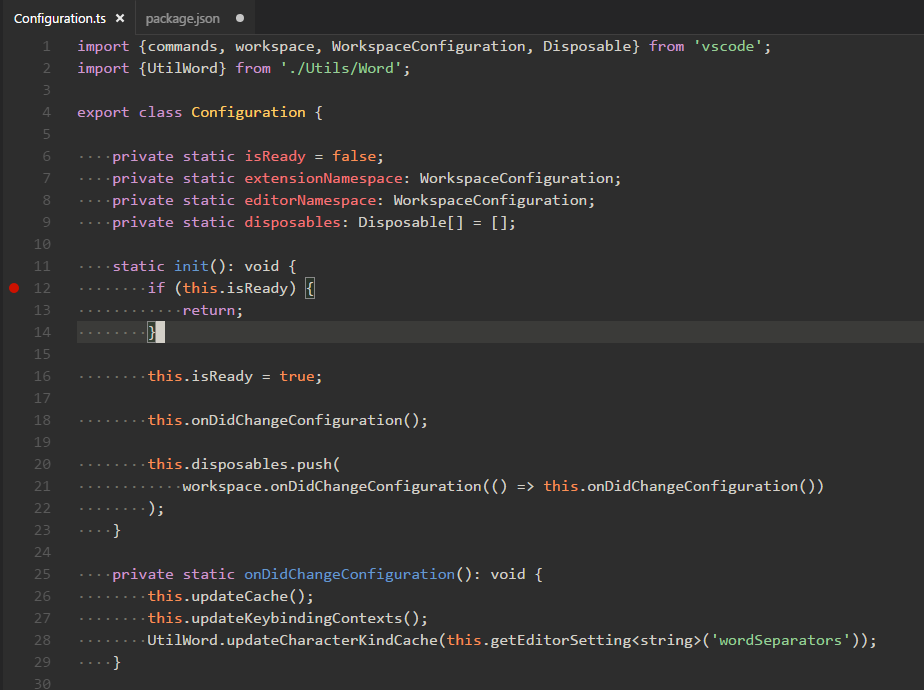
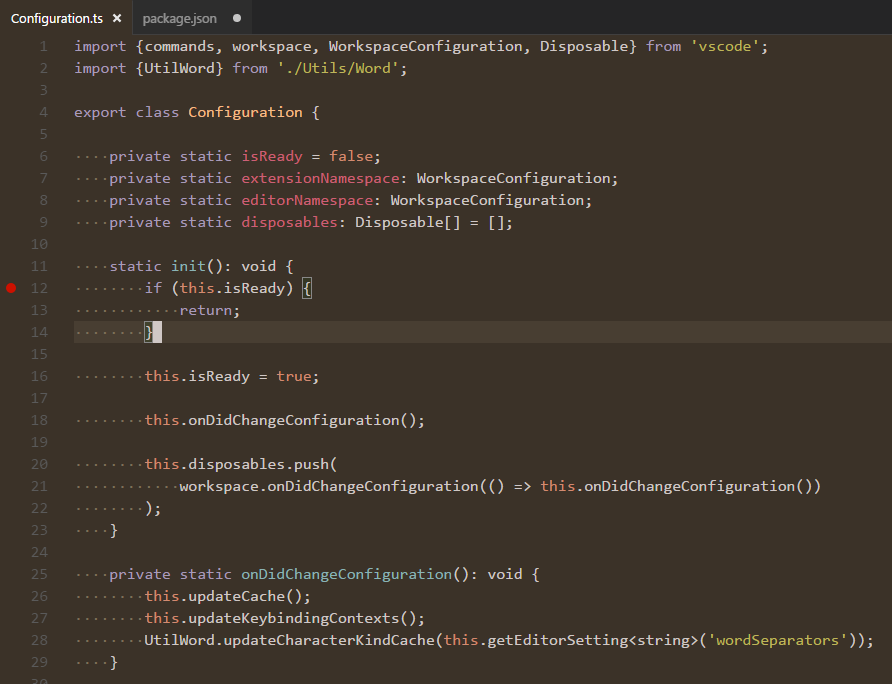
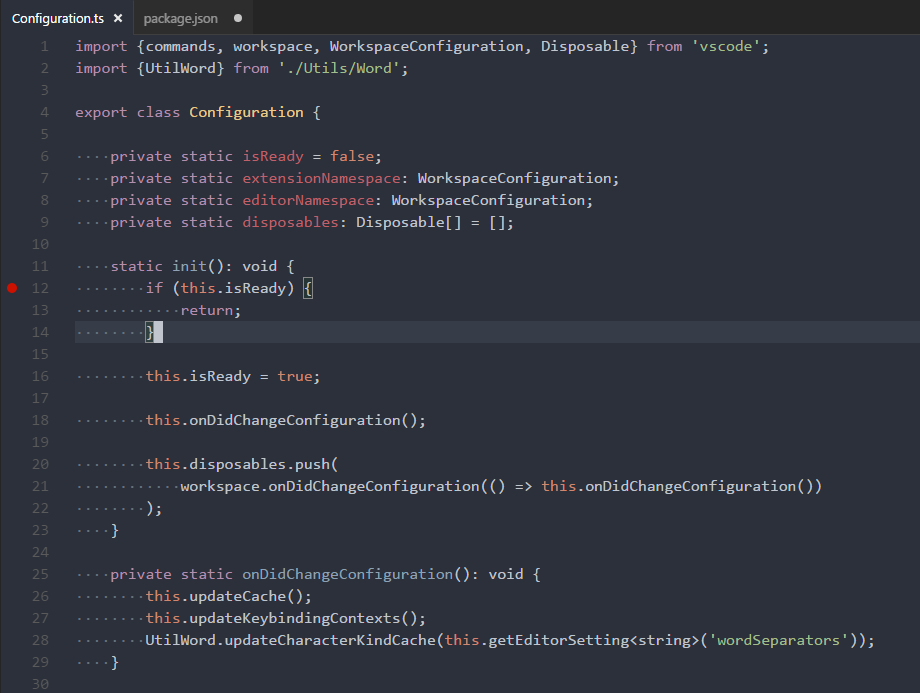
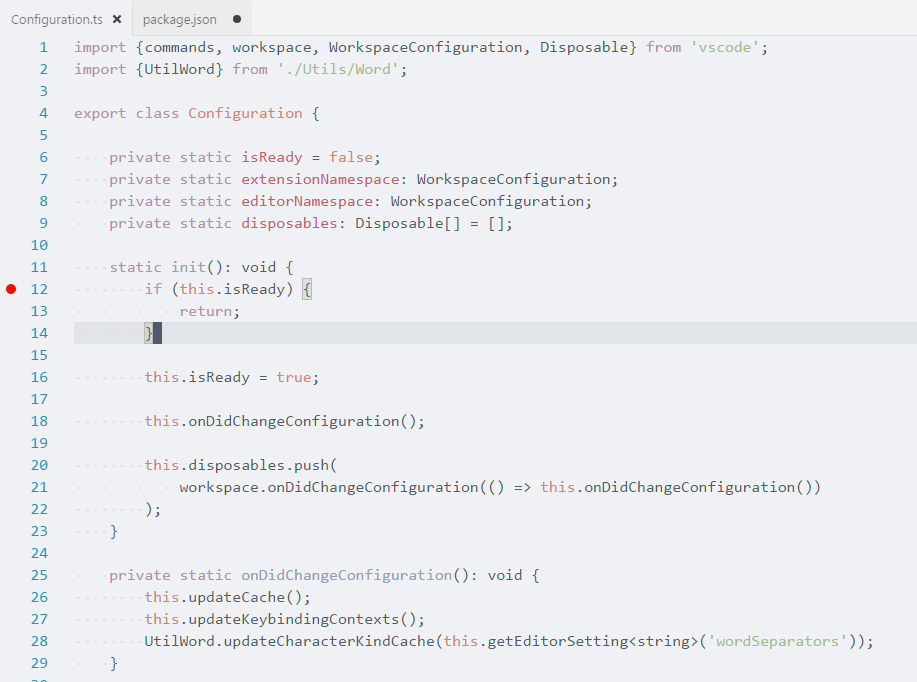
Base 16 Eighties

Base 16 Mocha

Base 16 Ocean Dark

Base 16 Ocean Light

How to activate

Open the command palette (Ctrl+Shift+P) and search for Color Theme.
Search for Spacegray and select from the available options.

Author

Mihai Ionut Vilcu

Credits

This theme is based on the Spacegray theme for sublime text.

About

Spacegray theme for visual studio code

Resources

Stars

30 stars

Watchers

1 watching

Forks

Releases

Packages

Used by

Contributors