
Fdrive takes Dropbox's big idea of "a folder that syncs across your devices" and addresses its infamous qualms. Rather than creating yet another data silo, it works with the storage you already have and gives it the Dropbox++ treatment with better tooling, for both:
-
Humans: who want the Dropbox experience on the storage they already have and across all their devices, without creating a new data island and while staying interoperable.
-
Agents: as Nvidia's CEO says: “when you deployed an agent ... the first thing you do is you take away all of its rights ... then you provision, you give it access to files...”. Fdrive, along with its control plane, is that provisioning tool: your agent only gets access to what it needs, with clear permission boundaries, and an audit trail shows what it tried to do, what was allowed and what was blocked.
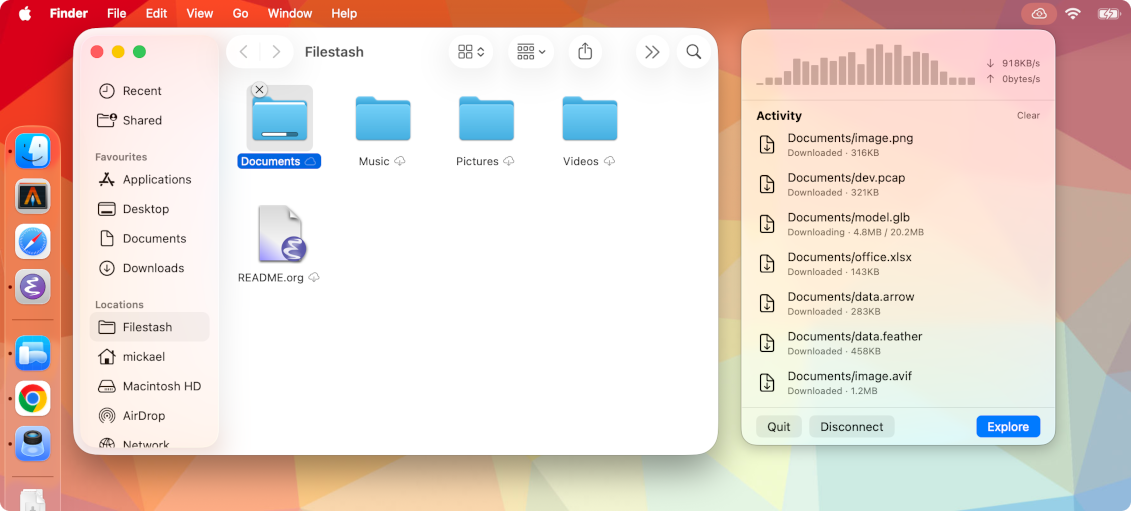
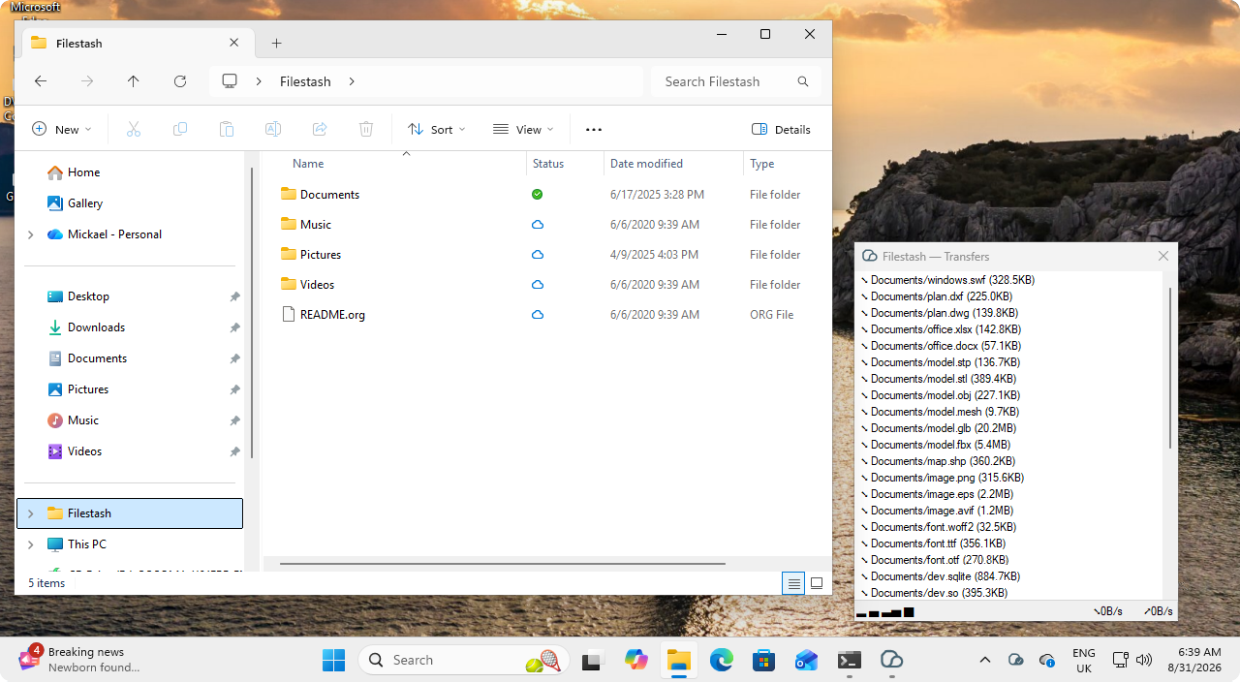
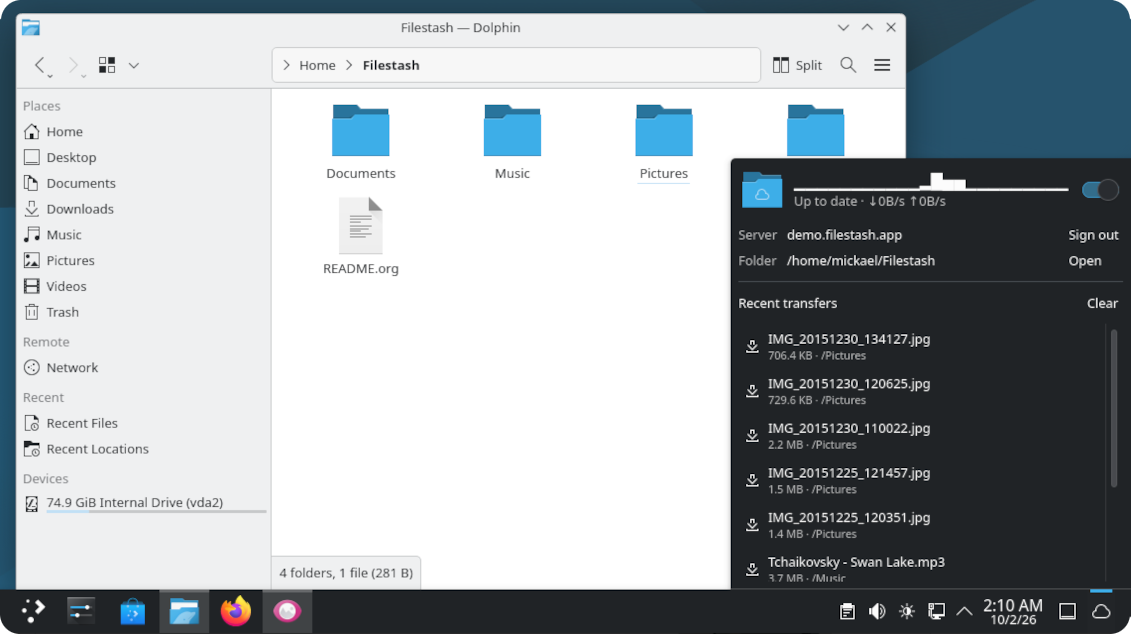
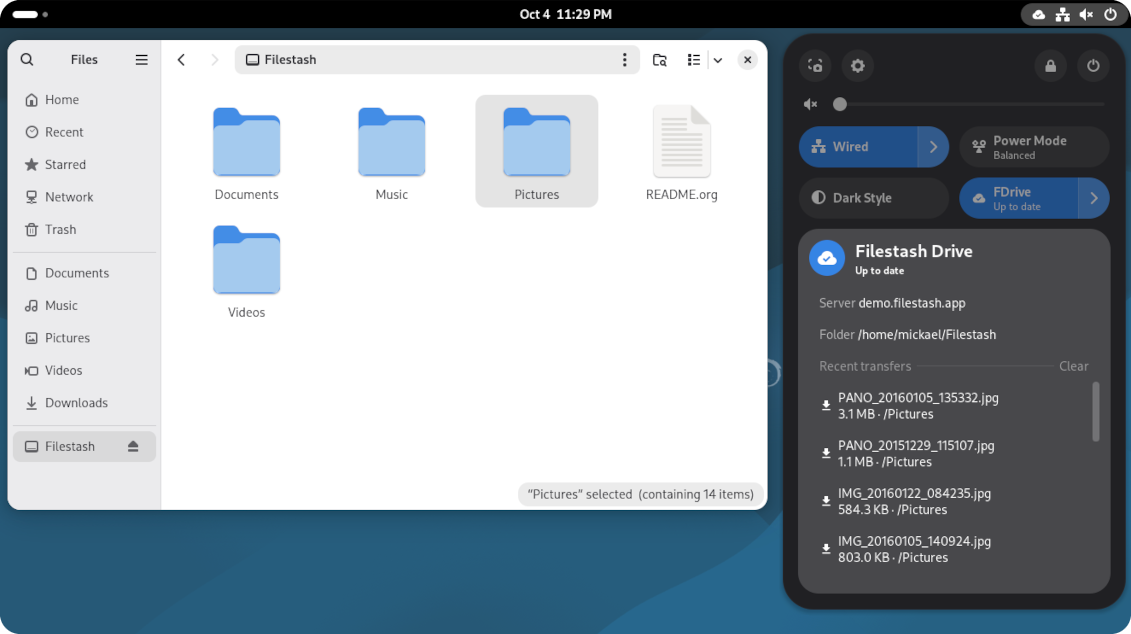
It looks native, because it is:
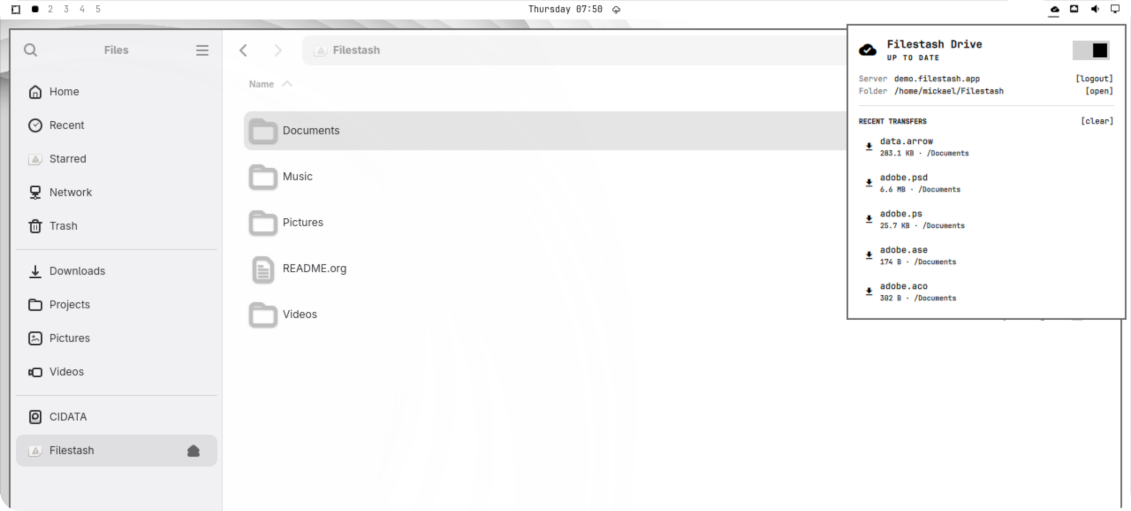
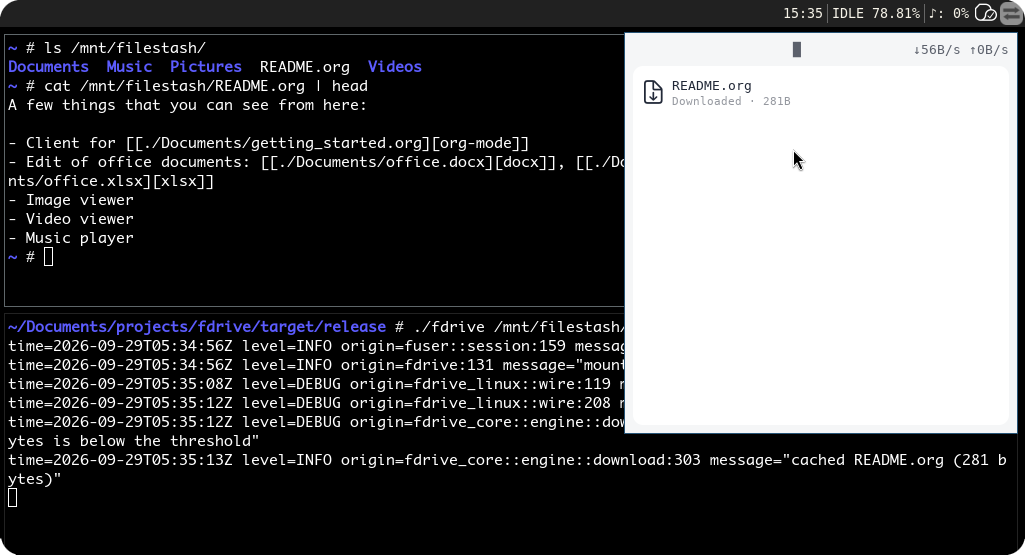
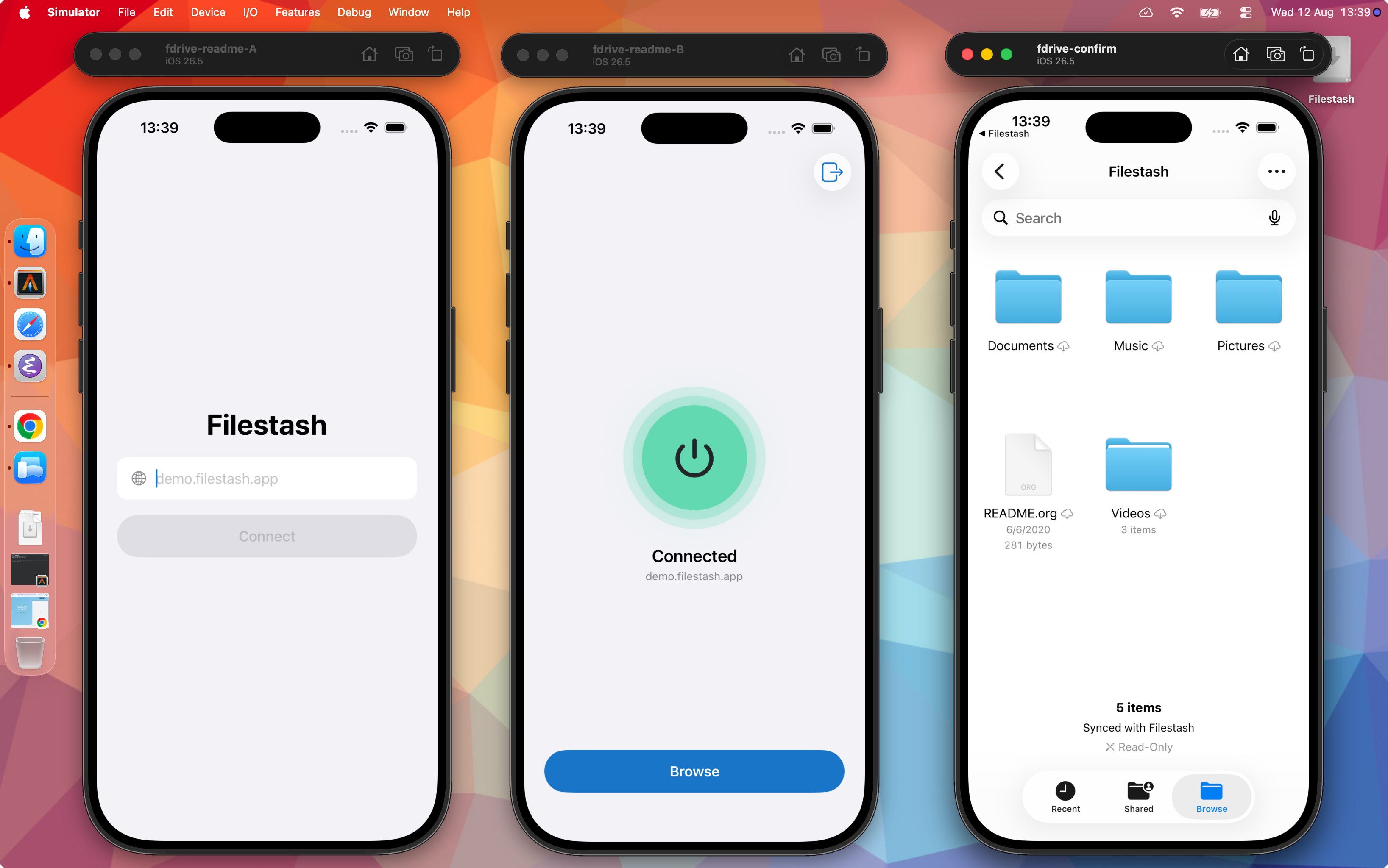
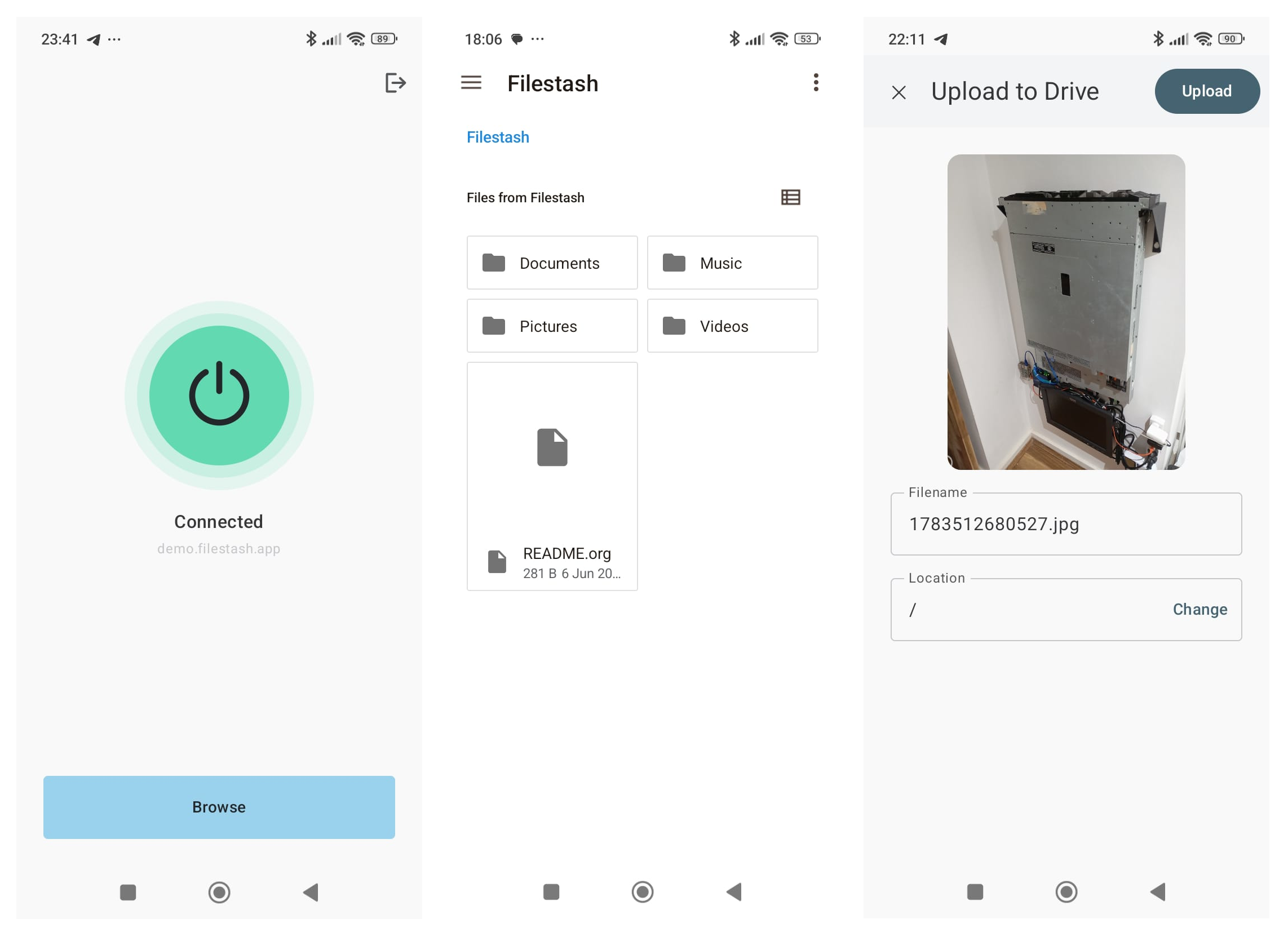
docker plugin install machines/fdrive --alias fdrive
export FILESTASH_SERVER=https://demo.filestash.app
export FILESTASH_TOKEN=uKzArshpw49Pta2tJZmg1mywkHcmimpW4lCjtVDNTbUFpmN0W2PXajSRR_fA5VrRr4Ks1S5SHwn9YffL74qRrVr1jssRUCXp4_uZdItrYUhQegWAGh5xT45-DgHowJb5aFtO-nODOMpFa6Y84Sit7za3GyM1miEpYm0wWgVucCs4tA==
docker compose -f - up <<EOF
services:
  agent:
    image: alpine
    command: ["ls", "-la", "/mnt"]
    volumes:
    - files:/mnt

volumes:
  files:
    driver: fdrive
    driver_opts:
      server: ${FILESTASH_SERVER}
      token: ${FILESTASH_TOKEN}
EOF
- Windows: exe
- Mac: silicon
- Linux GTK: amd64
- Linux CLI: amd64
- iPhone: apple store (coming soon)
- Android: apk, play store (coming soon)
The whole project is structured around the ports and adapters pattern. The core is the sync engine at the center of everything, and each platform adapts it to its own UI and filesystem technology.
| crate | technology |
|---|---|
fdrive-core |
the core engine used everywhere |
fdrive-linux |
FUSE, daemon + CLI |
fdrive-gtk |
GTK, FUSE |
fdrive-windows |
CfAPI, Win32 |
fdrive-mac |
FileProvider, Swift |
fdrive-ios |
FileProvider, Swift |
fdrive-android |
Storage Access Framework, Kotlin |
fdrive-docker |
Docker volume plugin API, FUSE |
fdrive-omarchy |
QML, FUSE |
fdrive-kde |
QML, FUSE |
fdrive-gnome |
GNOME Shell extension, FUSE |
“Perfection is achieved, not when there is nothing more to add, but when there is nothing left to take away.” — Antoine de Saint-Exupéry
The idea at the foundation of our approach is that a beautiful set of primitives exists, a universal truth for a sync engine that works everywhere. Sounds trivial? If you've ever had to look at CfAPI, FileProvider, FUSE and the Storage Access Framework side by side, you know it's chaos riddled with platform quirks: Windows, macOS, Linux and Android each have very different ideas of the problem space.
Bringing beauty out of it is the quest, and there is still a lot left to take away. The end goal is a core small enough to be formally verified. We will get there eventually, and in the meantime, we hope it's a fun ride.
- Sane Architecture: one Rust core makes every decision and each platform only implements the lipstick, so sync behaves the same everywhere
- Delta sync: only ship the bytes that changed, not the whole file
- Performance: if another sync solution is faster on your workload, send us a reproducible case. We’ll treat it as a bug
- Lives in the tray: the tray icon shows the status, synced, syncing or in trouble at a glance
- No polling or periodic sweep shenanigans
- Files on demand: a file only downloads when you open it, with both content and listings cached so browsing stays snappy and the next open is instant
- Streaming: large files open immediately, reads are served as the bytes arrive
- Offline mode: cached files stay readable and editable, changes upload once the link returns
- Conflict handling: your work is never lost, when both sides changed you get a
(conflicted copy)so both versions survive - Coalesced uploads: the journal folds editor save dances and rapid edits into the fewest server operations, and retries back off instead of hammering the server
- Thumbnails: they are generated on the server through fine tuned C code that works fast!
- Safe deletes: removes and renames carry a lease, they only apply if the server still holds the version you last saw, so nothing you have not seen can ever be destroyed
- Crash safe: unpushed edits survive crashes and restarts
- Reset friendly: rage deleting the local cache partially or entirely is not undefined behavior
- Live view: changes made elsewhere show up in the folder you are browsing, no manual refresh
- Pinning: mark a folder always available offline (
setfattr -n user.pin -v always <dir>on linux) - Ignore list:
node_modules,.DS_Storeand friends stay home by default, adjustable viafdrive.toml - Login: done through your server's own login page, password, LDAP, SSO, 2FA all just work
- No Electron: native everything from the tray, filesystem integration into one single binary
- Add P2P transfer
- handle hundreds of thousands of files
- Linux GTK
- Linux Omarchy
- Linux Gnome
- Linux KDE Plasma
- Linux Popos
- Linux Sway
- handles millions of files
- add support for more conflict strategies
- Profiles: connect to several servers / accounts in the same time
- Deep integration with Filestash for file locks
- Deep integration with Filestash for file versioning
- Deep integration with Filestash for search
- Explorer actions: surface share links and friends right from the file manager
- MacOS FileProvider:
we are using fuse-t temporarly until we have actual apple hardware - Testing: test on all possible devices / configuration
- Support for delta download: same as the existing upload but for download. Awaiting for server support
- Docker Volume Driver: give any container, AI agent included, a plain folder backed by your S3, SFTP, FTP, IPFS, AzureBlob, Sharepoint, etc...
- Multi Backends: support the Filestash API and a degraded direct SFTP access (no delta sync, thumbnails, search, and live view)
- MDM integration: preconfigure the client and roll it out across a fleet
- full POSIX compliance
- finetune performance
- Ransomware protection