

Finally a modern HUD implementation for iOS!
This GitHub project delivers a demo app that demonstrates the features and usage of GustyLib HUD.
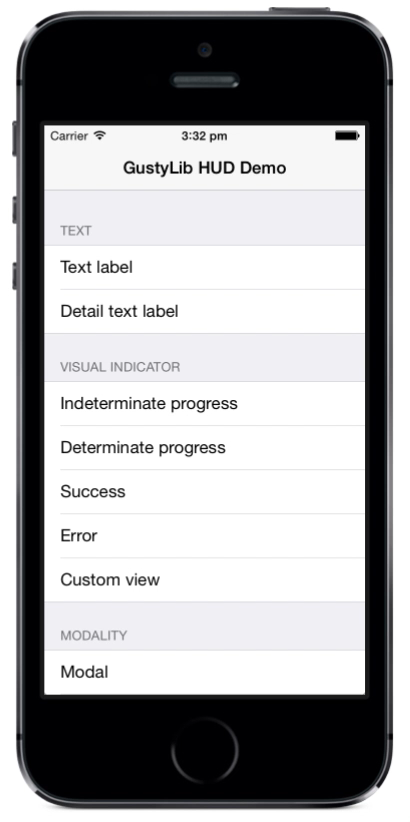
Make sure to check the demo app video out!
GustyLib HUD is part of the GustyLib project.
- Modern UIKit API's used such as view controller containment and auto layout
- Multiple styles including blur and vibrancy
- Visual indicators:
- Indeterminate progress
- Determinate progress
- Success
- Error
- Custom view
- Modality:
- Modal
- Non-modal
- User interaction:
- Chrome tap
- Overlay tap
- Layout:
- Compressed
- Expanded
- Padding
- Inter-item spacing
- Dynamic layout changes:
- Non-animated
- Animated
- Font:
- Test style customisation
- Font customisation
- Colour scheme customisation
- Content subview order customisation
- Completion blocks for presentation and dismissal
- Motion (honours reduce motion setting)
- And support for:
- Appearance API
- Both Objective-C and Swift
- Dynamic font type
- Device rotation
Simply open GustyLibDemoApp-HUD.xcworkspace in Xcode and run it.
Simply add GustyLib to your project via Cocoapods.
For further details, please refer to the GustyLib project on GitHub.