

This package provides:
- [
BulletRobot]: A general Python interface class for robot simulations using PyBullet. Python API class to control and monitor the robot in the simulation. - [
PybulletIKInterface] class: A constraint-based inverse kinematics (IK) "solver" interface. Instead of solving IK analytically, it attaches PyBullet constraints that pull the requested end-effector/link frames towards their target poses, forward-simulates the physics until they settle, and reads back the resulting joint configuration as the IK solution. It supports tracking several frames at once (full 6-DOF pose targets and position-only targets), and floating-base robots (where the base pose is solved together with the joint angles).
pip install pybullet_robotpip install git+https://github.com/justagist/pyrcfInstall in editable mode with the development extras (test + lint + build tooling):
git clone -b main https://github.com/justagist/pybullet_robot
cd pybullet_robot
pip install -e ".[dev]"
A dev container is provided for a reproducible environment in VS Code ("Reopen in Container").
See examples/ for runnable demos covering different robots and capabilities. Robot
models are downloaded automatically on first run via robot_descriptions:
cd examples
python demo_task_space_control.pyLoading a robot, inspecting it, position control, and reading state.
(demo_joint_position_control.py)
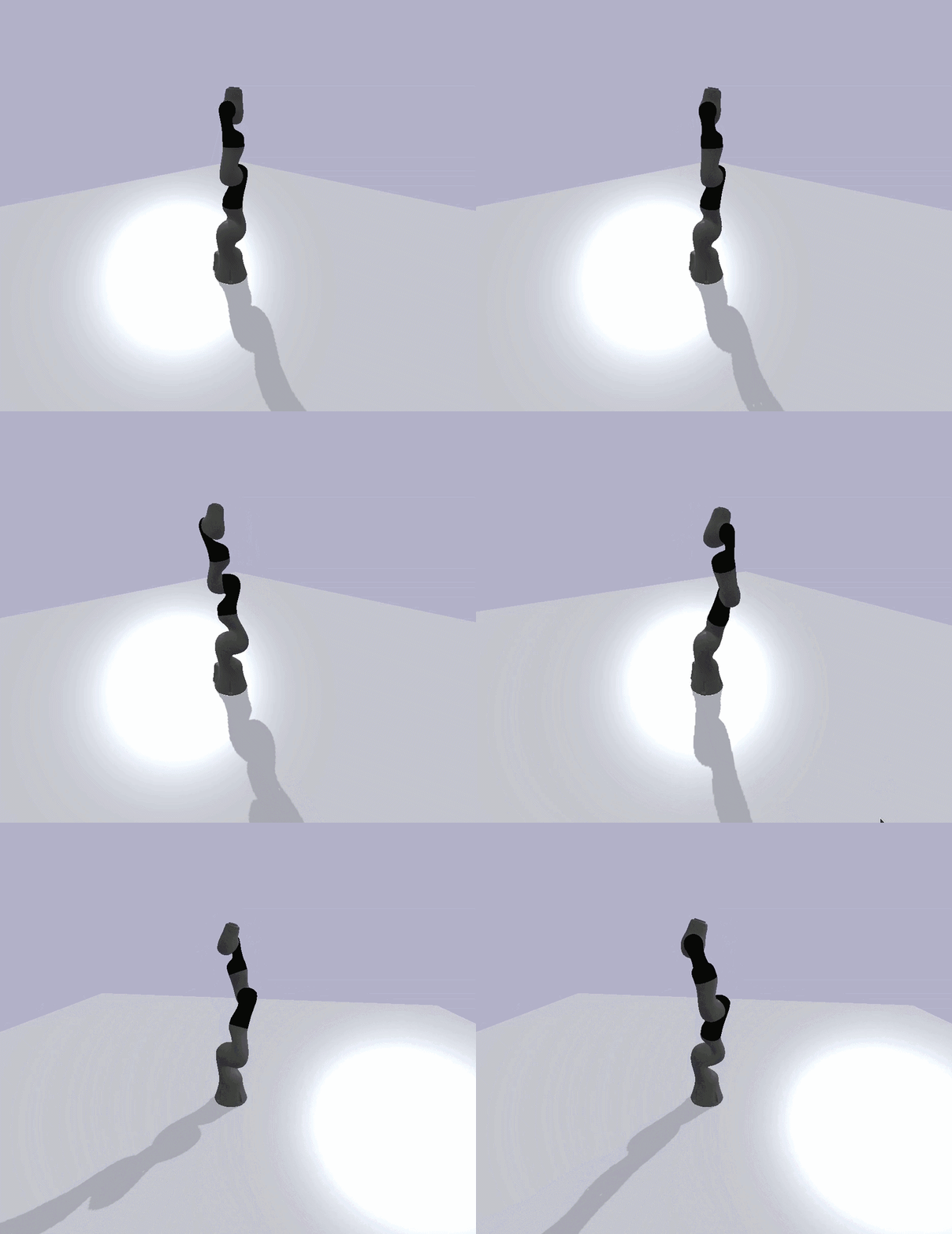
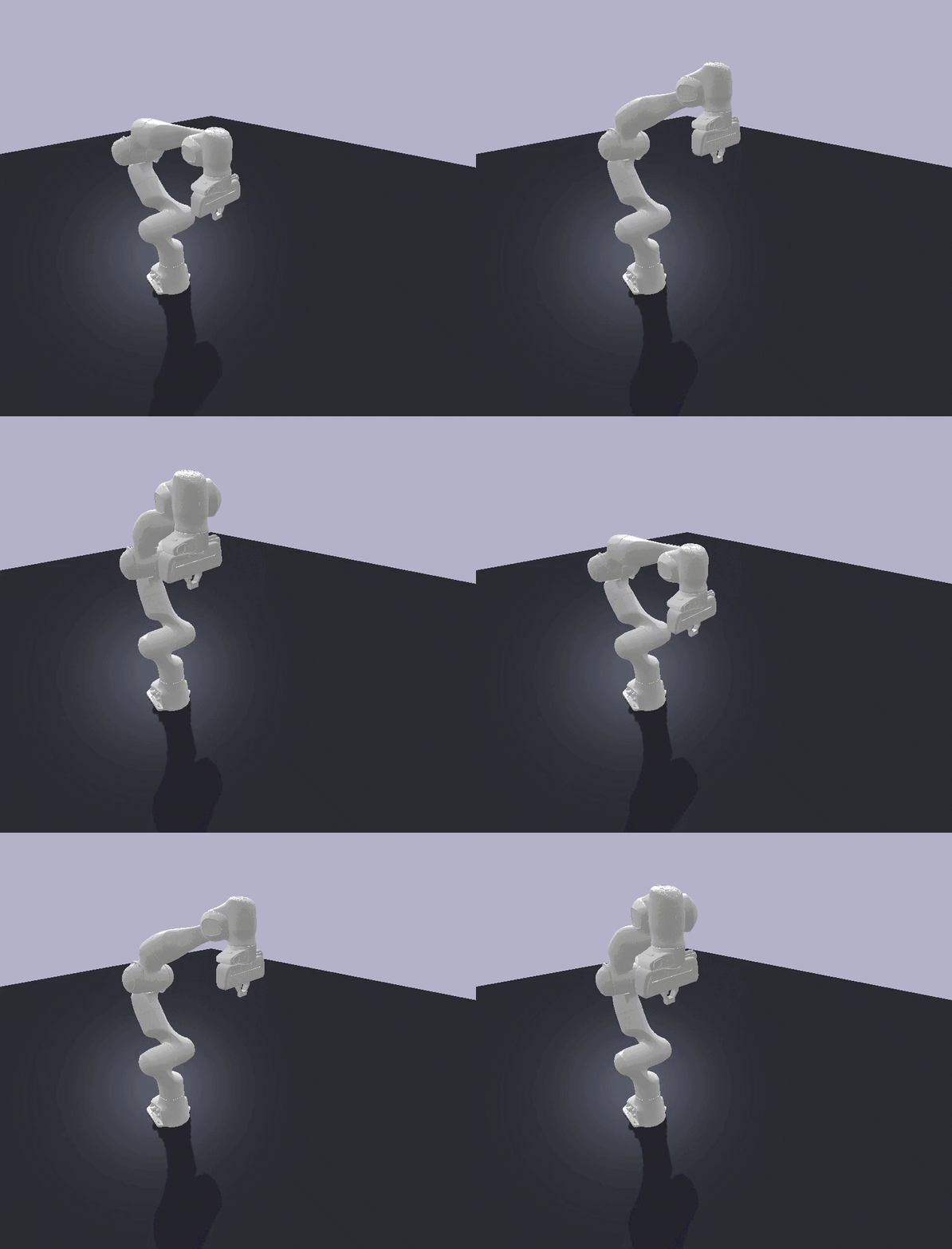
Example using a custom cartesian impedance / torque control for task-space control.
(demo_task_space_control.py)
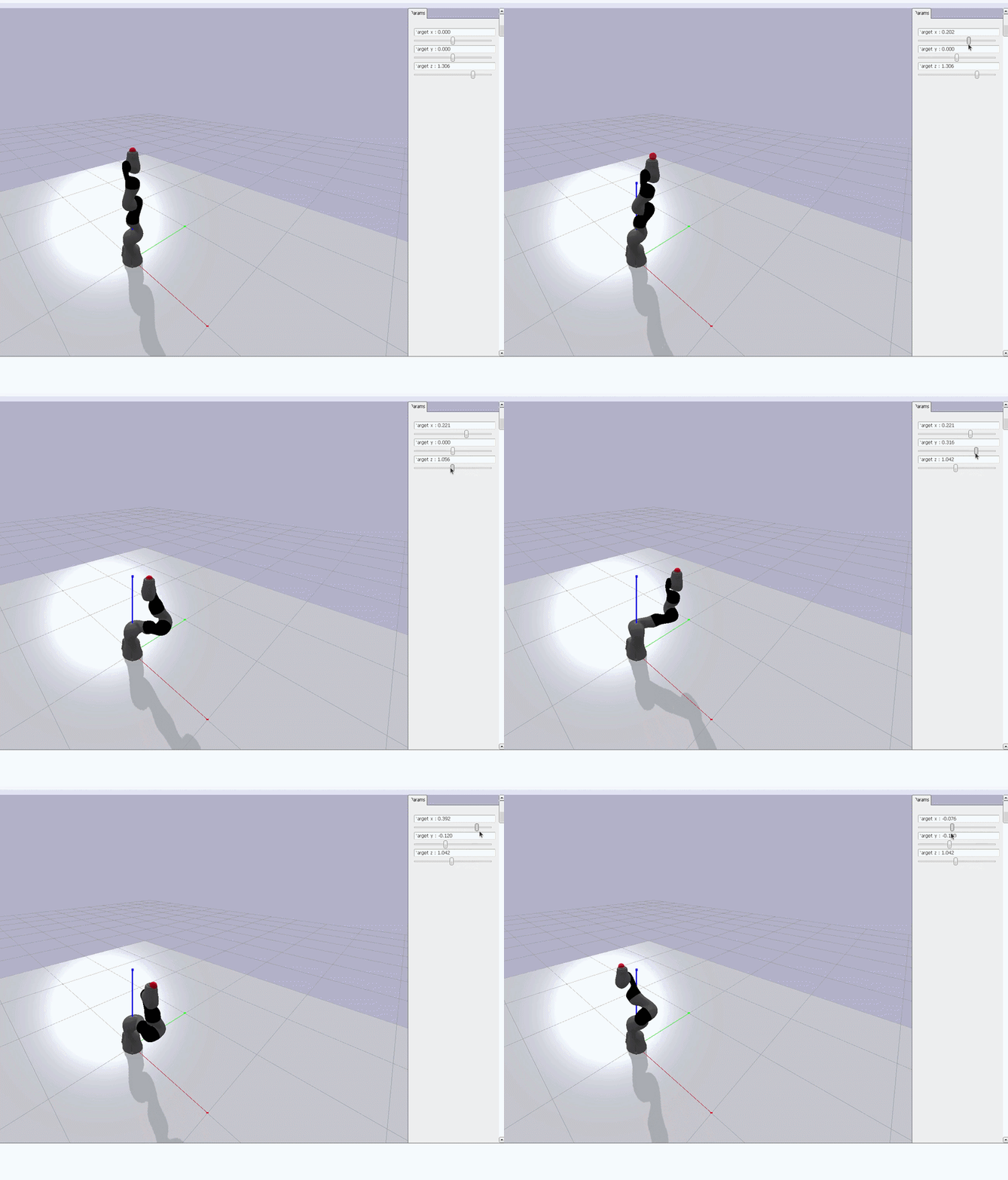
Run the provided PybulletIKInterface headless as a pure solver and apply its solution to a robot controlled via position control.
(demo_ik_headless_control.py)
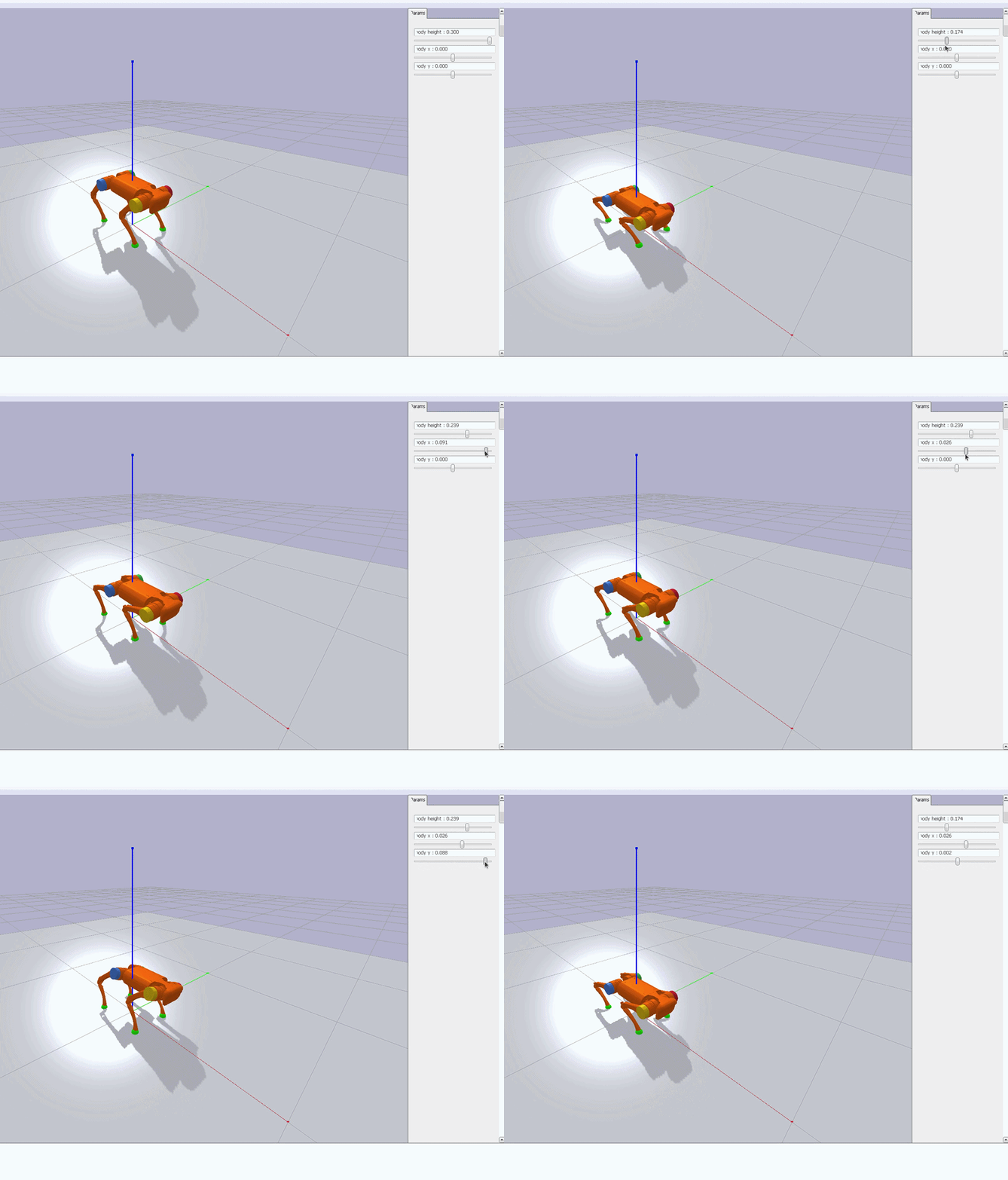
Floating-base IK tracking the body pose and all four feet simultaneously.
(demo_quadruped_ik.py)
Interactive IK: drag GUI sliders to set an end-effector target and the constraint-based solver
reaches it. (demo_ik_interface.py) Visually similar to the
headless IK demo above, so it has no separate clip; run it to try it interactively.