
Hello, today I can tell you that Pia Ballerina want to assist you with Pageimages and that can become really helpful!
| . | |
|---|---|
| a GUI (the module config screen) for quick and easy changes to the sitewide Pageimage default options | |
| . | |
| an alternative way for calling the Pageimage resizing methods with PW selector strings | |
| . | |
| three new methods as shortcuts to the resizing functions | |
| ######## |
If you want process ->size() with equal values for width and height, just define only size, or use the alias square:
So, yes, - I see. Now you may think: "Ok, nice looking girl, - and she can dance very well, - but for what should it be good that she is involved here? My very old buddies width, height and size - and me, - we don't need any Ballerinas between us!"
Yeah, I see what you mean. But this above is not what Pia is good for, this is just a little warming up for you.
In some cases one need to specify more than just width and / or height. If it comes to that you need explicitly populated options with the individual pageimages, Pia will become faster and more comfortable at some point. Also the code is looking more readable with Pia, at least to me:
$image->width(800, array("upscaling" => false, "cropping" => true, "quality" => 80, "sharpening" => "strong"));
$options = array("upscaling" => false, "cropping" => true, "quality" => 80, "sharpening" => "strong");
For me it is that not only Pia begin to dance, my fingers do so too when writing selector strings instead of the regular array code.
Ok, last thing before we can go to stage: "You already may have noticed that Pia accepts few different values for boolean expression, yes?"
. . .
3) Pia provide three new methods as shortcuts. This means that when using one of the shortcuts you have pre-populated options, regardless of the sitewide default settings:
Let's have a closer look and compare it. We use Pias image from above as source for this example. (It's dimensions are 289 x 400 px)


.
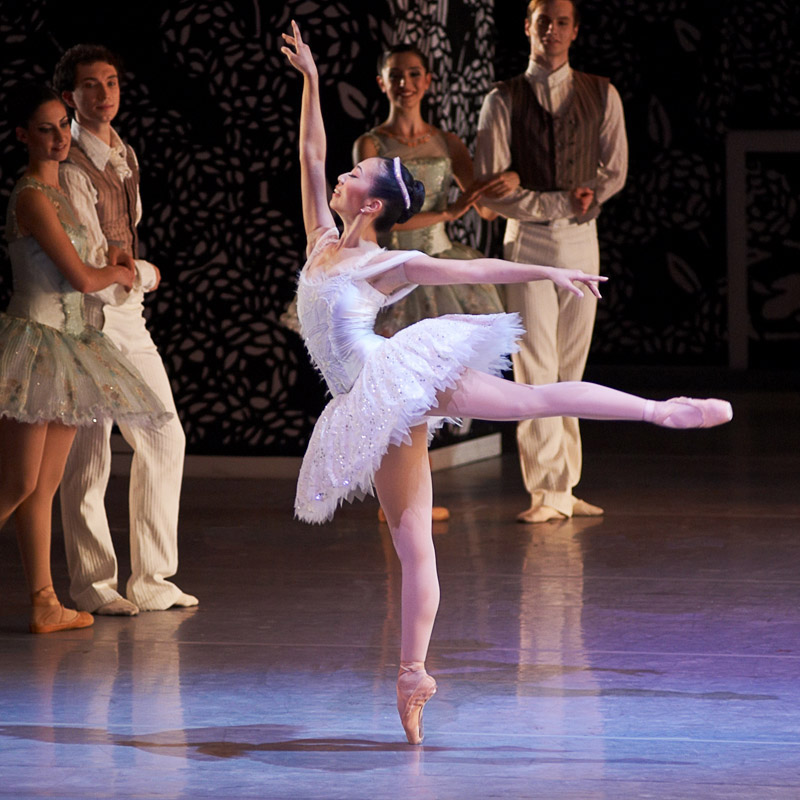
Classical ballet performance at the Aalto Theatre in Essen, in the context of the Red Dot Award ceremony 26 June 2007,
Act III, Sleeping Beauty, the wedding reception
Photos: Horst Nogajski - www.nogajski.de