Modularizing singleCellTK R Shiny Code
Code complexity (single file & too much code) Reusability Need separate identifiers (namespace) Create functions that dynamically generate user-interface & server code
Small units Separate user-interface and server code Call multiple times like a function Separate namespace for each called instance of the module
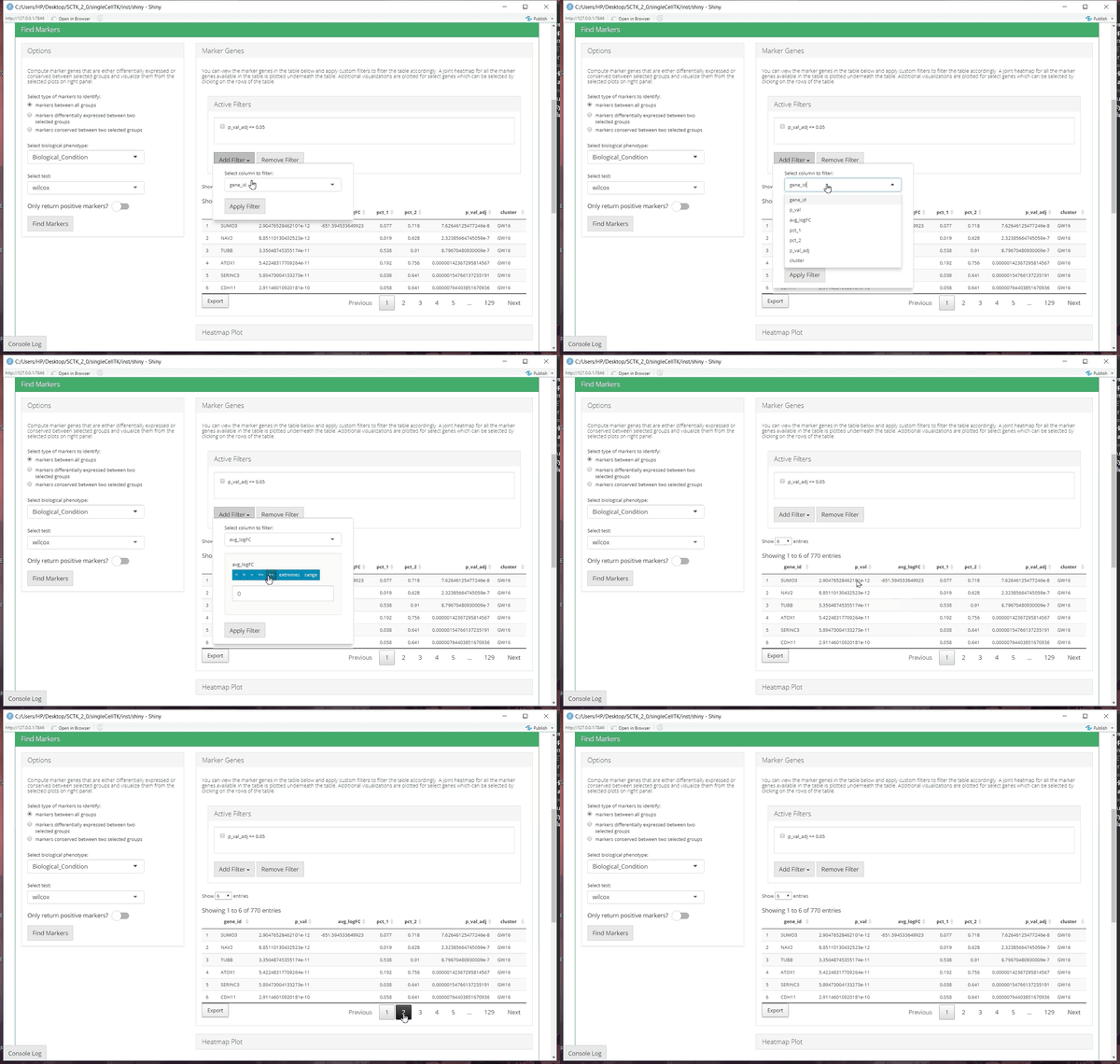
Dataframe
UI for the input dataframe is setup (table) UI for filters populated corresponding to the columns of the input dataframe Server code setup for actions taken on the table & filters
Selected rows of the table
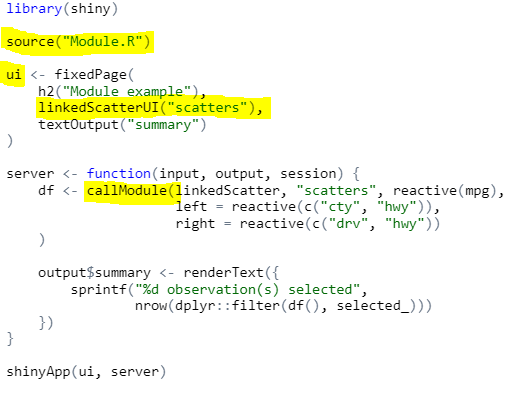
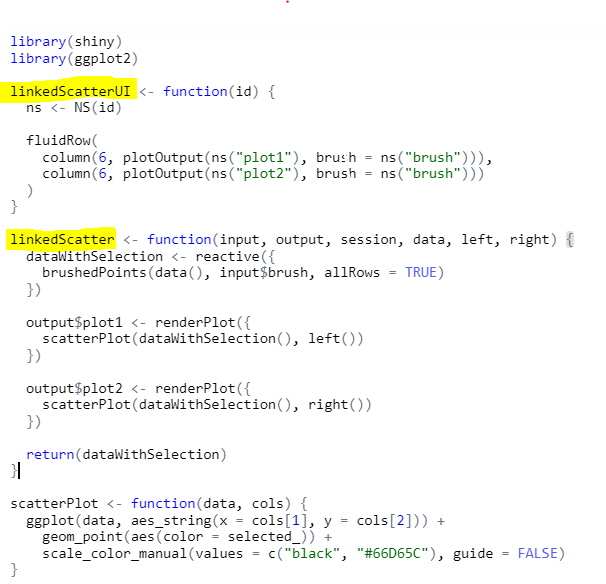
- Create module R file a. Module UI b. Module Server
- Source module R file in your application
- Call module UI in your application UI (assign ID)
- Call module server code in your application server (use same ID)
Different instances of same module Different modules