


This script allows you to add markers to the map on dmzintel.com and then save the data+code to the clipboard.
The repo contains 106 points at the moment, mostly locked locations.
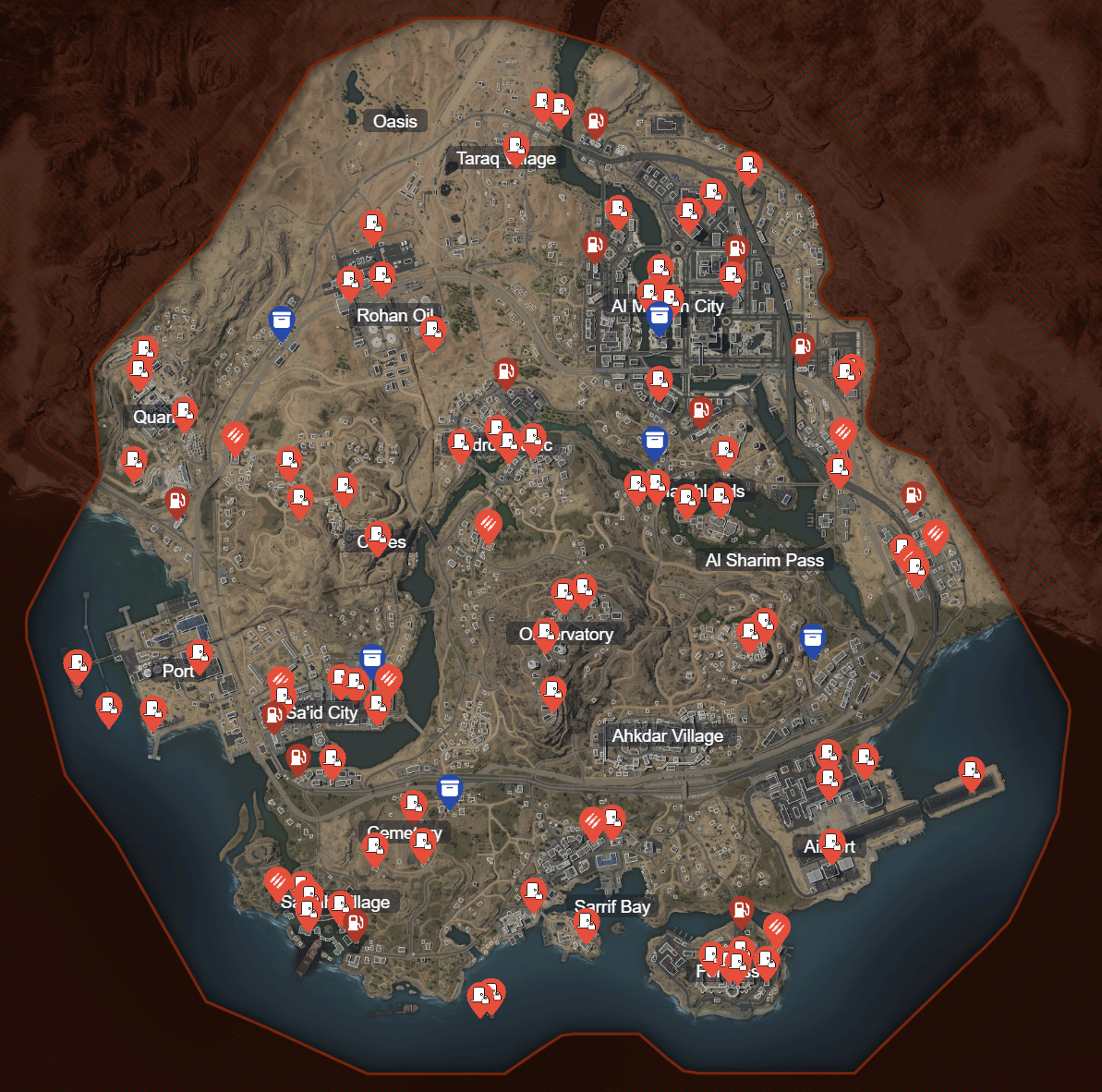
First, copy the code in dmz_with_data.js into your clipboard (select all then ctrl+c)
Then go to https://www.dmzintel.com and open your browsers dev tools (usually F12). Go to the console and paste the code (ctrl+v).
Now you can interact with the map and see all the points current available in this repo.
If you want to add your own points, just click anywhere on the map, and a blue marker will appear.
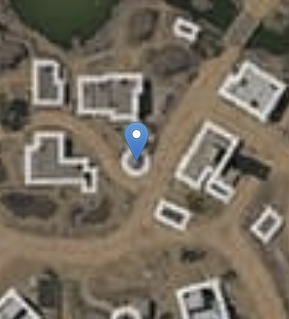
Then set the name, count and type of point in the menu on the left (it appears above the filters). When those are set, click the 'add' button and your point will appear.
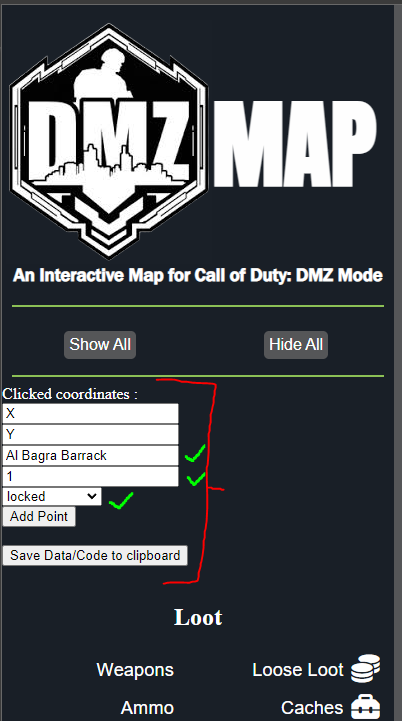
In order to have these changes forever, you'll need to click the 'Save Data/Code to clipboard' button, and then open a text edit and paste the code/data into it, and save it as a .js file. When you want to use your custom points again, just follow the steps in Usage, except you use your .js file, instead of the one provided here.
This code could break at any moment if the developers of https://www.dmzintel.com change their code in significant ways.