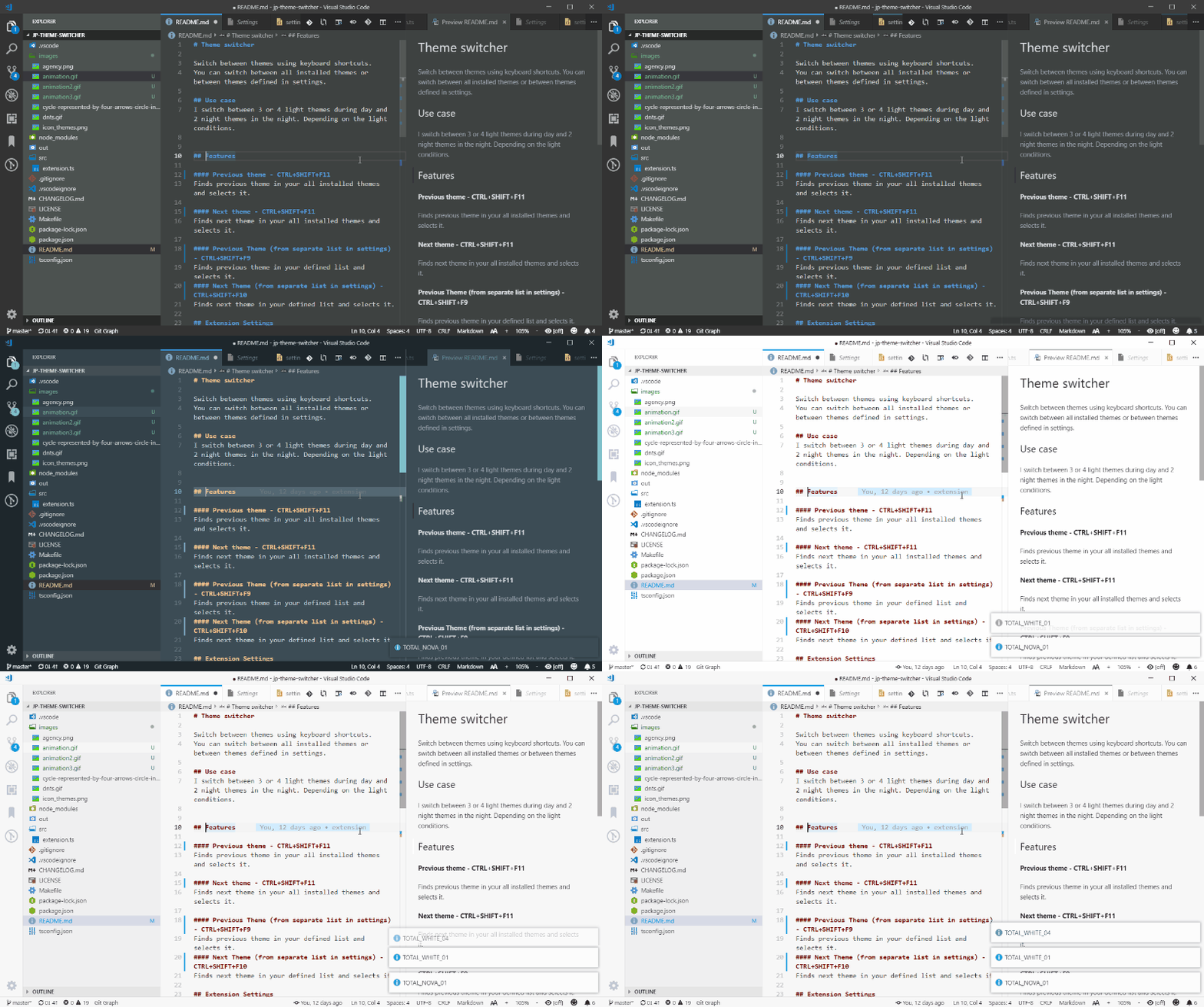
Switch between themes using keyboard shortcuts. You can switch between all installed themes or between themes defined in settings.
I switch between 3 or 4 light themes during day and 2 night themes in the night. Depending on the light conditions.
Finds previous theme in your all installed themes and selects it.
Finds next theme in your all installed themes and selects it.
Finds previous theme in your defined list and selects it.
Finds next theme in your defined list and selects it.
You can define your extensions list in this setting
"themeSwitcher.themesList": "Visual Studio Dark,Visual Studio Light"